
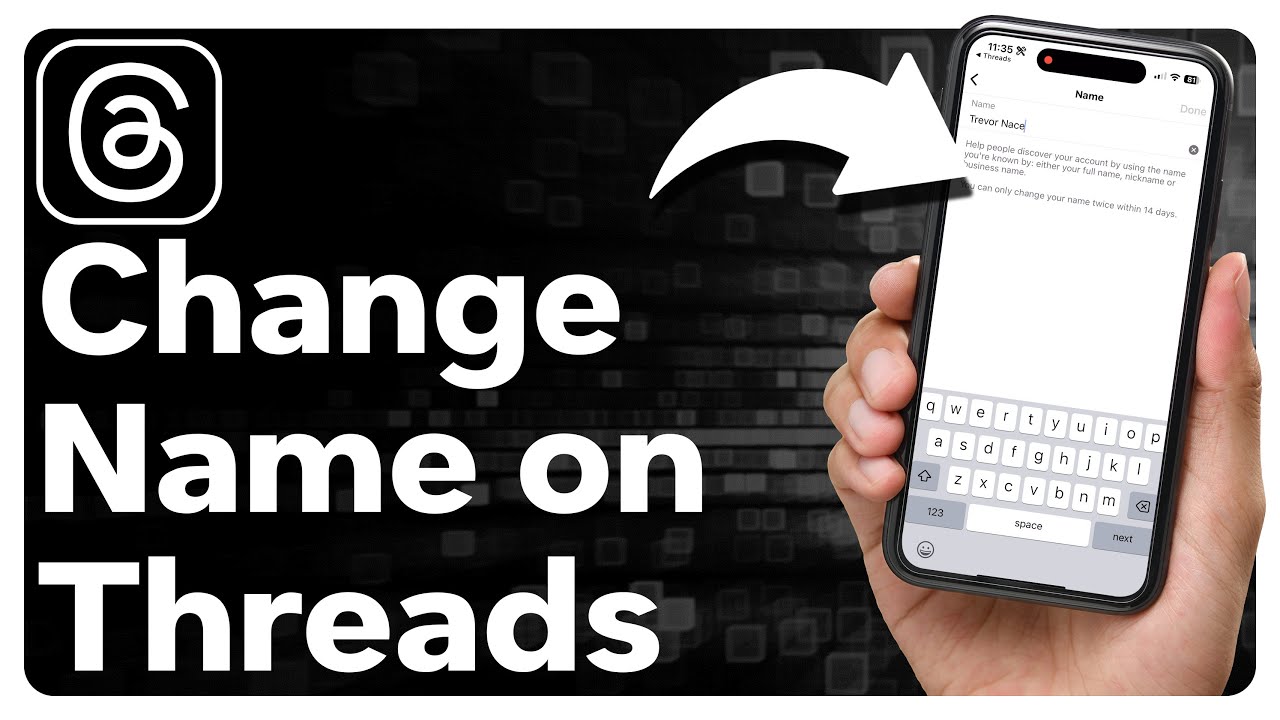
Have you ever found yourself in a situation where you needed to change the name of a thread? Perhaps you started a conversation with a catchy title that no longer reflects the content, or maybe you made a typo and now it’s driving you crazy. Whatever the reason may be, fear not! In this article, we will explore various methods to help you change your thread’s name effortlessly. So, grab a cup of coffee and let’s dive right in!
Why Would You Want to Change Your Thread’s Name?
Before we delve into the how-to’s, let’s take a moment to understand why you might want to change your thread’s name in the first place. There are several reasons that could prompt you to do so. For instance, you might realize that the original title doesn’t accurately represent the topic being discussed. Or, perhaps you made a spelling mistake or used an incorrect word, and it’s been bothering you ever since. Whatever the case, changing a thread’s name can help ensure clarity and improve the overall user experience.
Method 1: Editing the Original Post
One of the simplest ways to change your thread’s name is by editing the original post. This method is particularly useful if you’re the thread creator and have the necessary permissions to modify your own posts. To get started, locate the post that contains the current thread title. Then, click on the Edit button, typically represented by a pencil icon. Once you’re in edit mode, you can modify the title to your heart’s content. Finally, save your changes, and voila! Your thread now sports a brand-new name.
Method 2: Contacting the Forum Moderator
If you don’t have the ability to edit your thread’s title or if your forum platform doesn’t offer that feature, don’t fret! There’s still hope. In such cases, it’s best to reach out to the forum moderator for assistance. Moderators are the superheroes of online communities, there to ensure that everything runs smoothly. They have the power to make changes that regular users cannot. So, don’t hesitate to send them a polite message explaining your predicament and kindly request a title change. They’ll be more than happy to help you out!
Method 3: Starting a New Thread
In some situations, starting a new thread might be the most practical solution. If your existing thread has already gained significant traction and changing the title would cause confusion, it’s better to create a fresh one. This method allows you to craft a new title that accurately reflects the content and attracts the right audience. Additionally, starting a new thread gives you the opportunity to reorganize the discussion and provide updated information if necessary. Just remember to link the old thread within your new one to maintain continuity.
FAQs
Q: Can I change the title of someone else’s thread?
A: Generally, you cannot change the title of someone else’s thread unless you have administrative privileges or if the forum rules explicitly allow it. It’s always best to respect others’ contributions and only modify titles when necessary or with proper authorization.
Q: Is it possible to change the title of a thread on all forum platforms?
A: While many forum platforms offer the ability to edit thread titles, it’s important to note that not all platforms provide this feature. The availability of this option may vary depending on the specific forum software being used.
Q: Will changing a thread’s title affect the discussions within it?
A: Typically, changing a thread’s title does not alter the existing discussions within it. The content of the thread remains intact, and only the title is modified. However, it’s always a good practice to inform participants of any changes to avoid confusion and ensure continued engagement.
Conclusion
Changing a thread’s name is an essential skill for active forum users. Whether you made a typo, the original title no longer fits the content, or you simply want to improve clarity, there are various methods at your disposal. By editing the original post, reaching out to a forum moderator, or starting a new thread, you can easily change the title to better suit your needs. Remember to be considerate of others and communicate any changes to maintain a seamless user experience. So, go ahead and give it a try! Happy thread renaming!