
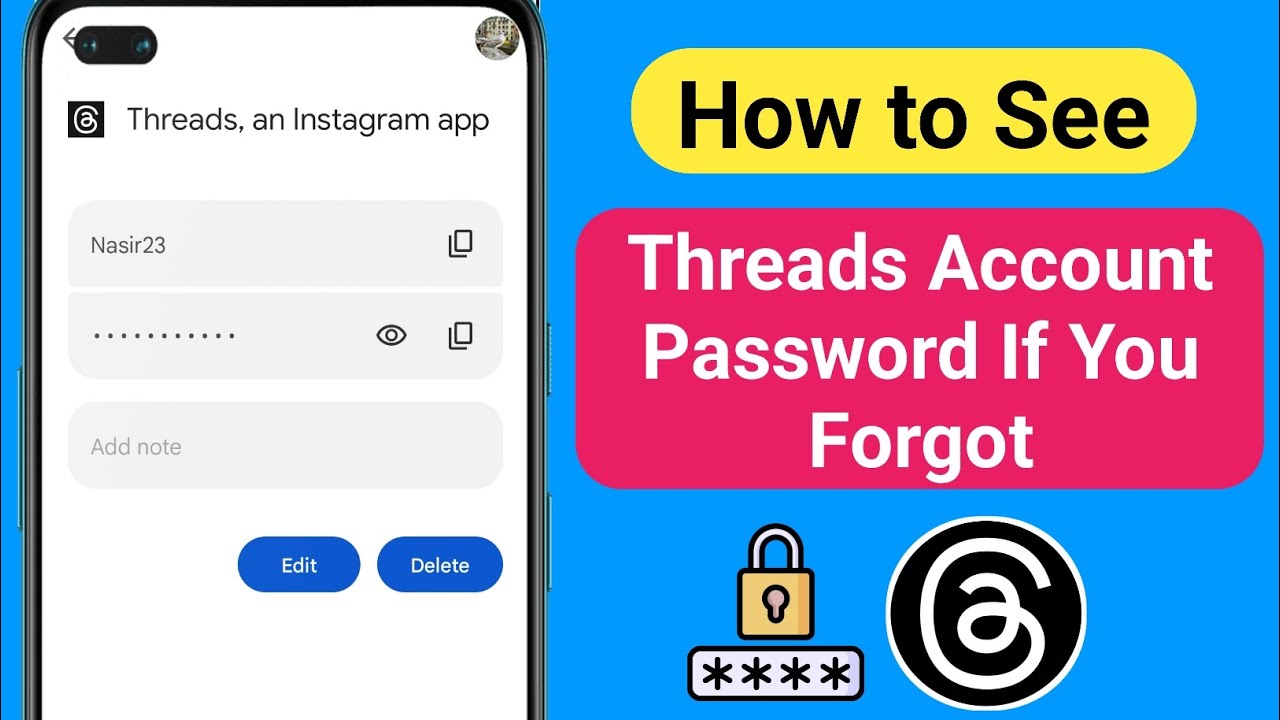
Have you ever found yourself in that frustrating predicament of forgetting your password? It’s a common occurrence in our digital age, where we have to remember a multitude of passwords for various online accounts. One such account that you might find yourself locked out of is your Threads password. But fear not! In this article, we will explore the ins and outs of recovering your Threads password, so you can regain access to your account and get back to enjoying the benefits of this popular platform.
Understanding the Importance of Your Threads Password
Your Threads password serves as the key to your account, protecting your personal information and ensuring that only you can access your profile. It’s crucial to choose a strong password and periodically update it to maintain the security of your account. However, we all know that sometimes, life gets in the way, and we forget or misplace our passwords. That’s where the process of password recovery comes into play.
Step 1: Utilize the Forgot Password Feature
The first step in recovering your Threads password is to utilize the Forgot Password feature on the login page. This feature is designed to assist users who have forgotten their passwords by providing a straightforward solution. Simply click on the Forgot Password link, and you will be redirected to a password recovery page.
Step 2: Provide the Required Information
On the password recovery page, you will typically be asked to provide the email address associated with your Threads account. This serves as a verification method to confirm your identity. Make sure to enter the correct email address to avoid any unnecessary delays in the recovery process.
Step 3: Check Your Email and Follow the Instructions
Once you have entered your email address, click on the Submit button. Threads will then send an email to the provided address with further instructions on how to reset your password. It’s important to keep an eye on your inbox and check your spam or junk folders just in case the email gets filtered there.
Step 4: Reset Your Password
Upon receiving the email from Threads, open it and carefully read the instructions provided. You will usually find a link that will redirect you to a password reset page. Click on the link and follow the prompts to create a new password for your account. Remember to choose a strong password that combines uppercase and lowercase letters, numbers, and special characters to enhance the security of your account.
FAQs
Q: What if I don’t receive the password recovery email from Threads?
A: If you don’t receive the email within a few minutes, double-check that you entered the correct email address. Additionally, ensure you have checked your spam or junk folders. If you still haven’t received the email, you may need to reach out to Threads’ customer support for further assistance.
Q: Can I recover my Threads password without an email address?
A: Unfortunately, the email address associated with your Threads account is essential for the password recovery process. This is done to verify your identity and ensure the security of your account. If you no longer have access to the email address, you may need to follow alternative steps provided by Threads’ customer support.
Q: How often should I update my Threads password?
A: It is recommended to update your Threads password periodically to enhance the security of your account. Consider changing your password every three to six months, or sooner if you suspect any unauthorized activity or if you receive a notification from Threads regarding a security breach.
Conclusion
In conclusion, forgetting your Threads password doesn’t have to be a cause for panic. By following the steps outlined in this article, you can easily recover your password and regain access to your account. Remember to take the time to choose a strong password and periodically update it to ensure the security of your account. And if you ever find yourself in a bind, the Forgot Password feature is there to lend a helping hand. So, fear not, fellow Threads users, and get back to enjoying all the platform has to offer!