
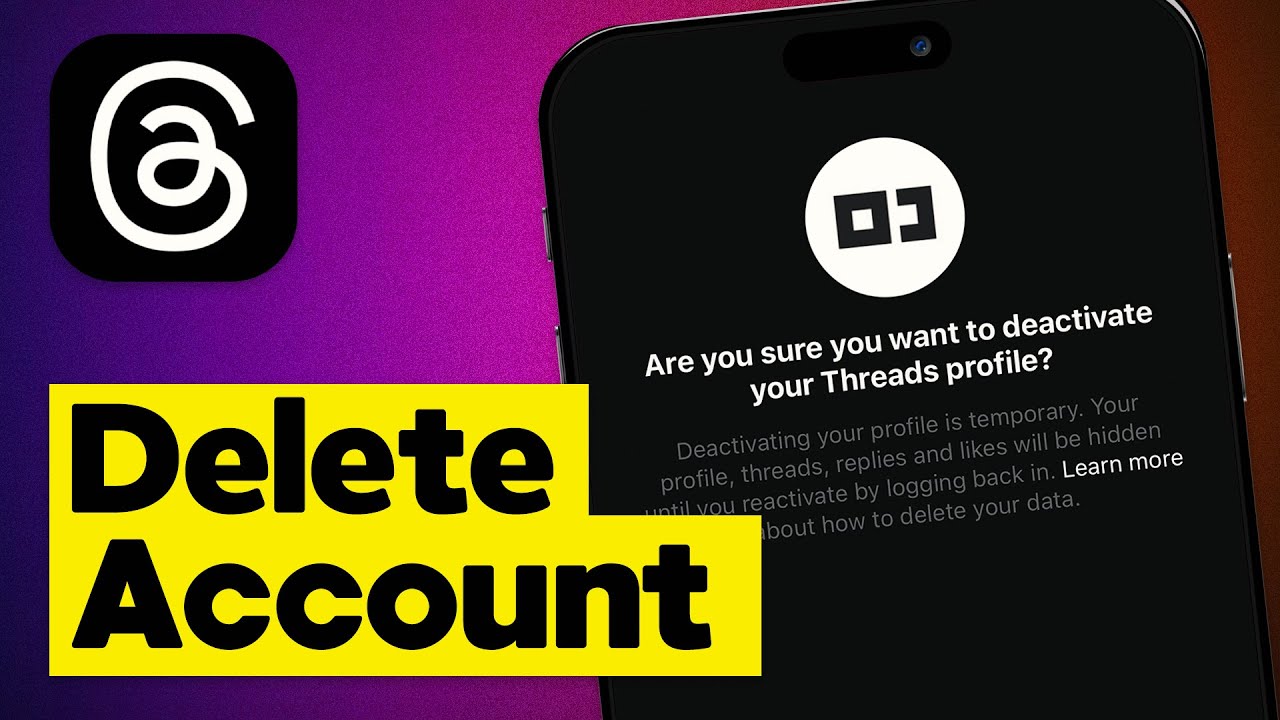
Are you tired of scrolling through endless threads? Do you find yourself spending too much time on the platform? If you’re ready to take a break or permanently bid farewell to Threads, we’ve got you covered. In this guide, we will walk you through the step-by-step process of deleting your Threads account. Whether you’re looking for a temporary hiatus or a clean break, we’ll provide you with all the information you need to ensure a seamless account deletion. So, let’s dive in and learn how to delete a Threads account!
Understanding Account Deletion
Before we delve into the deletion process, it’s important to understand what happens when you delete your Threads account. When you choose to delete your account, all your personal information, messages, and profile data will be permanently removed from the platform. This means that you will no longer have access to your messages, contacts, or any other data associated with your account. Additionally, you will lose your username and won’t be able to reactivate your account in the future. Keep these consequences in mind before proceeding with the deletion process.
Step 1: Accessing Account Settings
To start the account deletion process, you first need to access your Threads account settings. Open the Threads app on your device and navigate to the main menu. Look for the Settings option, usually represented by a gear icon. Tap on it to access the account settings page.
Step 2: Locating the Account Deletion Option
Once you’re in the account settings, scroll down until you find the Account section. In this section, you should see various options related to your account, including privacy settings, notifications, and security. Look for the option that says Delete Account or something similar. It may be located at the bottom of the account settings page. Tap on it to proceed to the next step.
Step 3: Confirming Account Deletion
When you select the Delete Account option, Threads will ask you to confirm your decision. This step is crucial to prevent accidental deletions. Deleting your account is a permanent action, so Threads wants to ensure you’re absolutely certain about your choice. Take a moment to reflect on your decision and consider if deleting your account is truly what you want. If you’re confident in your choice, proceed to the next step.
Step 4: Verifying Your Identity
Before Threads can delete your account, they will require you to verify your identity. This is to ensure that only the account owner can delete the account. You will likely be asked to enter your account password or provide other forms of authentication, such as a verification code sent to your registered email address or phone number. Follow the on-screen instructions to complete the identity verification process.
Step 5: Finalizing the Deletion Process
Once you’ve successfully verified your identity, Threads will initiate the account deletion process. This may take a few moments, so be patient. During this time, your account and all associated data will be permanently removed from the platform. You may receive a confirmation message once the process is complete. Congratulations! You have successfully deleted your Threads account.
FAQs
Q: Can I reactivate my Threads account after deleting it?
A: No, once you delete your Threads account, it cannot be reactivated. Make sure you are certain about your decision before proceeding with the deletion process.
Q: Will deleting my Threads account delete my messages?
A: Yes, deleting your Threads account will permanently remove all your messages and associated data from the platform. Make sure to backup any important conversations before deleting your account.
Q: What happens to my contacts when I delete my Threads account?
A: When you delete your Threads account, your contacts will no longer be able to see or interact with your profile. Your username will also become unavailable for others to use.
Conclusion
Deleting your Threads account can be a liberating decision if you’re looking to take a break from the platform or move on entirely. By following the step-by-step process outlined in this guide, you can confidently delete your account, knowing that your personal information and data will be permanently removed. Remember, deleting your account is a permanent action, so take the time to consider your decision before proceeding. If you’re ready to bid farewell to Threads, follow the steps provided and regain control of your digital presence.