
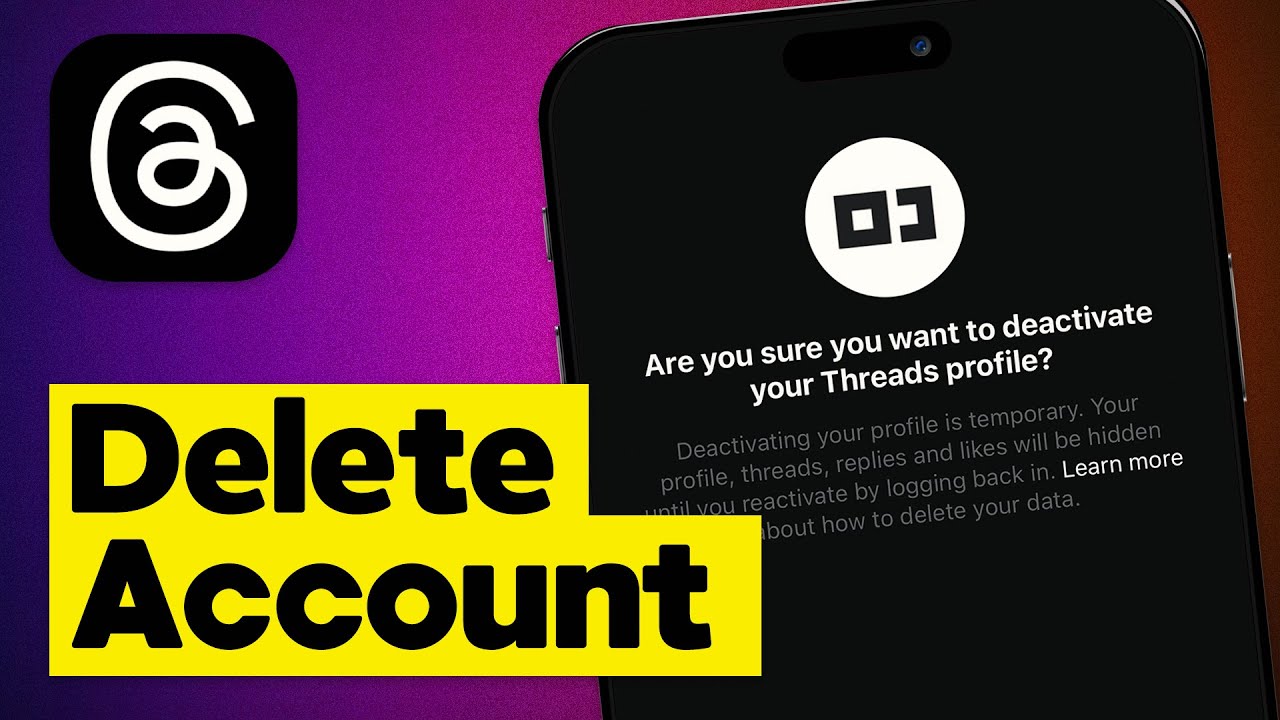
Have you ever found yourself spending too much time on social media platforms like Threads? Do you feel overwhelmed by notifications and constant updates? If so, it might be time to take a step back and consider deactivating your Threads account. In this article, we will guide you through the process of deactivating your Threads account and offer some insights into the benefits of taking a break from social media.
Why Deactivate Threads Account?
Before we delve into the details of deactivating your Threads account, let’s take a moment to understand why you might want to do so. Social media can be addictive, consuming a significant amount of our time and attention. It can also have negative impacts on our mental health, leading to feelings of anxiety, depression, and low self-esteem.
Deactivating your Threads account allows you to take a break from the constant barrage of information and gives you the opportunity to focus on other aspects of your life. It can be a liberating experience, providing you with a sense of freedom and allowing you to regain control over your time and energy.
Step-by-Step Guide to Deactivate Threads Account
Deactivating your Threads account is a simple process that can be completed in just a few steps. Follow the instructions below to deactivate your account:
- Open the Threads app on your device and log in to your account.
- Navigate to the settings menu by tapping on the profile icon in the bottom right corner of the screen.
- Scroll down until you find the Account section and tap on it.
- In the account settings, look for the Deactivate Account option and tap on it.
- You will be asked to confirm your decision to deactivate your account. Read the information provided and tap on the Deactivate button to proceed.
- Congratulations! You have successfully deactivated your Threads account.
Frequently Asked Questions
Can I reactivate my Threads account after deactivation?
Yes, you can reactivate your Threads account after deactivation. To reactivate your account, simply log in using your previous credentials and follow the prompts to reactivate your account. Keep in mind that some data, such as messages and settings, may be lost during the deactivation period.
Will my data be deleted when I deactivate my Threads account?
Deactivating your Threads account does not automatically delete your data. Your account information, including your profile and posts, will be temporarily hidden from other users. However, if you decide to reactivate your account, your data will be restored.
Can I still use other Facebook products after deactivating my Threads account?
Yes, deactivating your Threads account only affects your presence on the Threads app. You can still use other Facebook products, such as Facebook itself or Instagram, without any interruption.
Benefits of Deactivating Threads Account
Deactivating your Threads account can have numerous benefits, both for your mental well-being and your overall productivity. Here are some advantages you may experience:
1. Reduced Distractions
By deactivating your Threads account, you can eliminate the constant notifications and distractions that come with social media. This allows you to focus more on important tasks and be present in the real world.
2. Improved Mental Health
Taking a break from social media can have a positive impact on your mental health. It gives you the opportunity to disconnect from the virtual world and reconnect with yourself, reducing feelings of anxiety and comparison.
3. Enhanced Productivity
Without the constant urge to check your Threads account, you can allocate your time and energy to more productive activities. Whether it’s pursuing a hobby, spending time with loved ones, or working on personal projects, deactivating your account can help you make the most of your time.
Conclusion
Deactivating your Threads account can be a transformative experience, allowing you to break free from the addictive nature of social media and regain control over your life. By following the step-by-step guide provided in this article, you can easily deactivate your account and enjoy the benefits of a social media break.
Remember, deactivating your account is not a permanent decision. If you decide to return to Threads in the future, you can reactivate your account with ease. So, take the leap, deactivate your Threads account, and embark on a journey of self-discovery and personal growth. Your mental well-being will thank you for it!